teleport Linux 64-bit DEB - 94 Mb
https://goteleport.com/teleport/download/
Feed All Stories
Apr 11 2022
Apr 11 2022
Viacheslav added a comment to T4285: Add integration with Teleport.
dmbaturin renamed T4327: Ethernet interface configuration fails on Hyper-V due to speed/duplex/autoneg ethtool command error from no ability to configure interfaces at all on Hyper-V to Ethernet interface configuration fails on Hyper-V due to speed/duplex/autoneg ethtool command error.
daniel.arconada added a comment to T1230: Improving Boot Time for Large Firewall Configurations.
@n.fort I have upgraded following the path 1.2.6-S1 --> 1.3-S1 --> 1.4 Following the tips of not using port names for bootps and ssmtp and not using "set system ipv6 disable" and everything went fine.
Unknown Object (User) added a comment to T4301: The "arp-monitor" option in bonding interface settings does not work.
VyOS 1.4-rolling-202204090217 works well.
Unknown Object (User) added a comment to T4348: Site access denied.
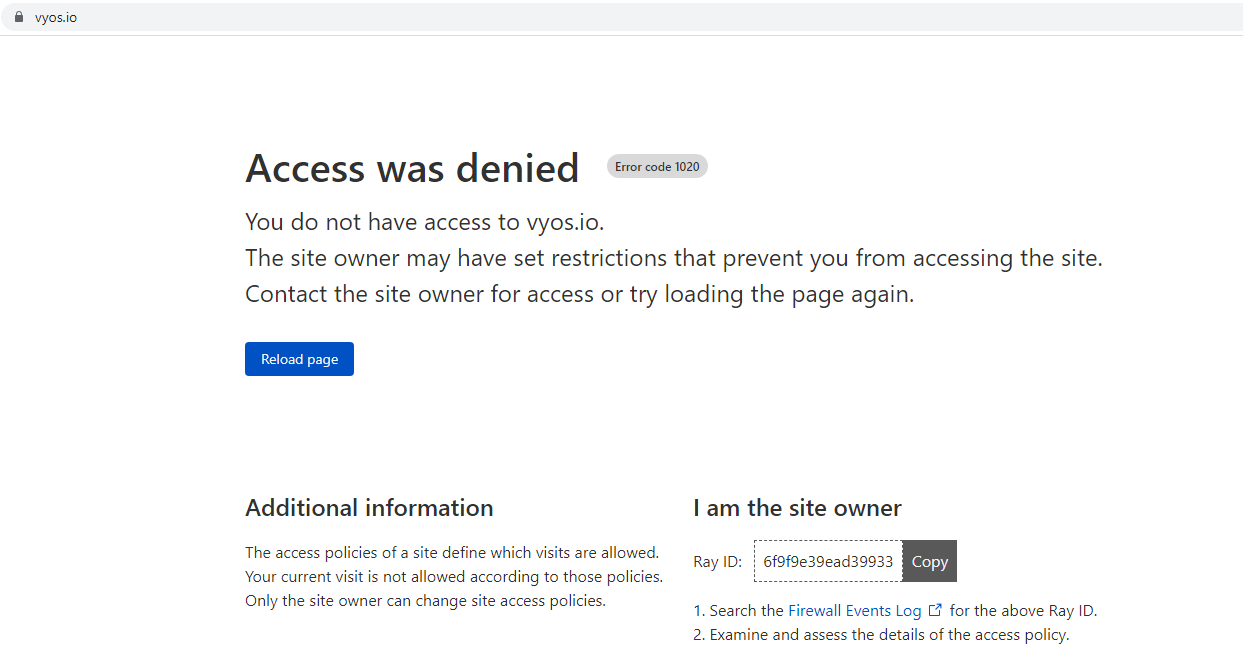
From my ISP access is closed for more than a month.
Apr 10 2022
Apr 10 2022
higebu moved T4279: vyos-vm-images: add vagrant virtualbox box from Restricted Project Column to Restricted Project Column on the Restricted Project board.
higebu moved T4278: vyos-vm-images: fix vagrant libvirt box from Restricted Project Column to Restricted Project Column on the Restricted Project board.
Unknown Object (User) changed the status of T4288: IPsec tunnel will break when ESP timeout from In progress to Needs testing.
I've tested the scenario using VyOS 1.4-rolling-202204090217 and (esp lifetime '30'). Attached is the config.
After turning on the right and left routers, IPsec creates two tunnels that are updated every 10 seconds. (Tunnels are updated using strange intervals, the first 1-10 seconds, the second 10-20 seconds).
higebu added a comment to T4278: vyos-vm-images: fix vagrant libvirt box.
@hakwerk I'm sorry for the delay of the response. It seems that this PR(https://github.com/vyos/vyos-vm-images/pull/28) fixes the enable_dhcp issue.
I can't reproduce the install-grub issue for now. If I get the warning, I will try to fix it.
c-po added a comment to T4288: IPsec tunnel will break when ESP timeout.
VyOS 1.3 and 1.2 use the legacy Perl based IPSec implementation. A test would still be good just to be sure!
Viacheslav moved T4344: DHCP statistics not matching, conf-mode generates incorrect pool name with dash from Open to Finished on the VyOS 1.4 Sagitta board.
Unknown Object (User) changed the status of T4288: IPsec tunnel will break when ESP timeout from Needs testing to In progress.
I tested it with VyOS 1.4-rolling-202204090217 and it works well for a while.
Apr 9 2022
Apr 9 2022
nagua updated the task description for T4351: Openvpn conf-mode "openvpn-option" is not respected.
goodNETnick <pknet@ya.ru> committed rVYOSONEXb776003cf55e: ocserv: T4231: Added OTP support for Openconnect 2FA.
GitHub <noreply@github.com> committed rVYOSONEXaa5b35b68c11: Merge branch 'vyos:current' into ocserv_local_otp (authored by goodNETnick <33053932+goodNETnick@users.noreply.github.com>).
goodNETnick <pknet@ya.ru> committed rVYOSONEX1da9cc02d7c8: ocserv: T4231: Added OTP support for Openconnect 2FA (authored by goodNETnick <33053932+goodNETnick@users.noreply.github.com>).
GitHub <noreply@github.com> committed rVYOSONEX139ab8164660: Merge pull request #1242 from goodNETnick/ocserv_local_otp (authored by c-po).
Apr 8 2022
Apr 8 2022
Viacheslav added a comment to T4312: Telegraf configuration doesn't accept IPs for URL.
@fortinj1354 you can do changes in xml, build .deb pkg and install it on the instance
https://docs.vyos.io/en/equuleus/contributing/build-vyos.html#id4
Viacheslav renamed T4344: DHCP statistics not matching, conf-mode generates incorrect pool name with dash from DHCP statistics not matching, conf-mode generates incorrect poll name with dash to DHCP statistics not matching, conf-mode generates incorrect pool name with dash.
Viacheslav added a comment to T4344: DHCP statistics not matching, conf-mode generates incorrect pool name with dash.
PR for 1.3 https://github.com/vyos/vyos-1x/pull/1280
I missed option network vlan:
set service ipoe-server interface eth2 network 'vlan'
configs looks good:
[ipoe]
verbose=1
interface=re:eth2\.\d+,shared=0,mode=L2,ifcfg=1,range=192.168.0.0/24,start=dhcpv4,ipv6=1
username=ifname
password=csid
proxy-arp=1
Viacheslav changed Version from VyOS 1.3.1-S1 to VyOS 1.3.1-S1, VyOS 1.4-rolling-202204080957 on T4349: Vlan-range vlan_mon not working for ipoe service.
Viacheslav added a project to T4349: Vlan-range vlan_mon not working for ipoe service: VyOS 1.4 Sagitta.
GitHub <noreply@github.com> committed rVYOSONEXf43031ec4591: Merge branch 'current' into T4344 (authored by Viacheslav).
GitHub <noreply@github.com> committed rVYOSONEXf9ebccd2ef0b: Merge pull request #1278 from sever-sever/T4344 (authored by c-po).
Unknown Object (User) added a comment to T3427: Show prefix received via IA_PD in interface info.
I would like to see this too, with Ethernet interfaces.
c-po moved T4338: wwan: changing interface description should not trigger reconnect from In Progress to Finished on the VyOS 1.3 Equuleus (1.3.2) board.
GitHub <noreply@github.com> committed rVYOSONEX630945291c9a: Merge branch 'current' into dhcpd (authored by teadur).
GitHub <noreply@github.com> committed rVYOSONEX2bf7589e926b: Merge pull request #1148 from tacerus/dhcpd (authored by dmbaturin).
GitHub <noreply@github.com> committed rVYOSONEXbd50d51f1e49: Merge pull request #1263 from c-po/wwan-t4324-equuleus (authored by dmbaturin).
c-po committed rVYOSONEX409a2e1239e6: interfaces: T4331: Fix assign link-local static IPv6 addr to vrf (authored by Viacheslav).
GitHub <noreply@github.com> committed rVYOSONEX298ce87e8fc4: Merge pull request #1273 from c-po/t4331-equuleus (authored by dmbaturin).
Viacheslav renamed T4344: DHCP statistics not matching, conf-mode generates incorrect pool name with dash from DHCP statistics not matching to DHCP statistics not matching, conf-mode generates incorrect poll name with dash.
Viacheslav added a comment to T4344: DHCP statistics not matching, conf-mode generates incorrect pool name with dash.
The root cause it generates incorrect pool name (conf mode) with a dash instead of an underscore
vyos@vyos:~$ show conf com | match dhcp
set service dhcp-server shared-network-name NET_01 authoritative
set service dhcp-server shared-network-name NET_01 name-server '1.1.1.1'
set service dhcp-server shared-network-name NET_01 subnet 192.0.2.0/24 range R1 start '192.0.2.21'
set service dhcp-server shared-network-name NET_01 subnet 192.0.2.0/24 range R1 stop '192.0.2.254'
vyos@vyos:~$
dhcp.conf
...
    on commit {
        set shared-networkname = "NET-01";
}Viacheslav changed the status of T4344: DHCP statistics not matching, conf-mode generates incorrect pool name with dash from Open to In progress.
cgb added a comment to T1230: Improving Boot Time for Large Firewall Configurations.
Not sure if this works but there is an upload button in the toolbar:
daniel.arconada added a comment to T1230: Improving Boot Time for Large Firewall Configurations.
@n.fort the config i would like to upload to this ticket has 43727 lines.. Its a text file of 1.3 Mbps. Its it possible to attach the file instead of paste it on the comments?
GitHub <noreply@github.com> committed rVYOSONEX5399a8f75b5a: Merge pull request #1277 from jestabro/api-smoketest (authored by c-po).
Apr 7 2022
Apr 7 2022
jestabro changed the status of T4347: Return complete and consistent error codes from HTTP API from Needs testing to In progress.
jestabro added a comment to T4347: Return complete and consistent error codes from HTTP API.
ajgnet added a comment to T2943: Wireguard allow use of hostname as endpoint.
Trying to configure a wireguard peer with a dns name as remote endpoint. I understand this is not supported, but I see many references to creating a post-boot script to do this. Any working examples? Thank you
daniel.arconada added a comment to T1230: Improving Boot Time for Large Firewall Configurations.
Hi, I'm sorry for the confusion but the configuration I uploaded is not from a production machine. It's just an example of a small configuration of a pre-production vyos that I was having trouble upgrading.
Tomorrow if I will upload one of the ones that take 25-30 minutes to boot on modern CPUs (xeon gold).
jestabro added a comment to T4347: Return complete and consistent error codes from HTTP API.
Changes and fixes to smoketest at link; in testing before PR:
https://github.com/vyos/vyos-1x/compare/current...jestabro:api-smoketest
jestabro changed the status of T4347: Return complete and consistent error codes from HTTP API from In progress to Needs testing.
jestabro changed the status of T4347: Return complete and consistent error codes from HTTP API from Open to In progress.