Page MenuHomeVyOS Platform

Ethernet interface configuration fails on Hyper-V due to speed/duplex/autoneg ethtool command error
Closed, ResolvedPublic

Assigned To
Unknown Object (User)
Authored By
Unknown Object (User)
Mar 31 2022, 8:12 AM
Referenced Files
F2643851: image.png
Mar 31 2022, 8:12 AM
F2643853: image.png
Mar 31 2022, 8:12 AM
F2643858: image.png
Mar 31 2022, 8:12 AM
F2643856: image.png
Mar 31 2022, 8:12 AM

Description

Tested in VyOS vyos-1.4-rolling-202203240317 and vyos-1.4-rolling-202203300217

When installing VyOS from ISO image on Hyper-V (Windows 10 pro),
there is absolutely no way to configure any commands on the interfaces.

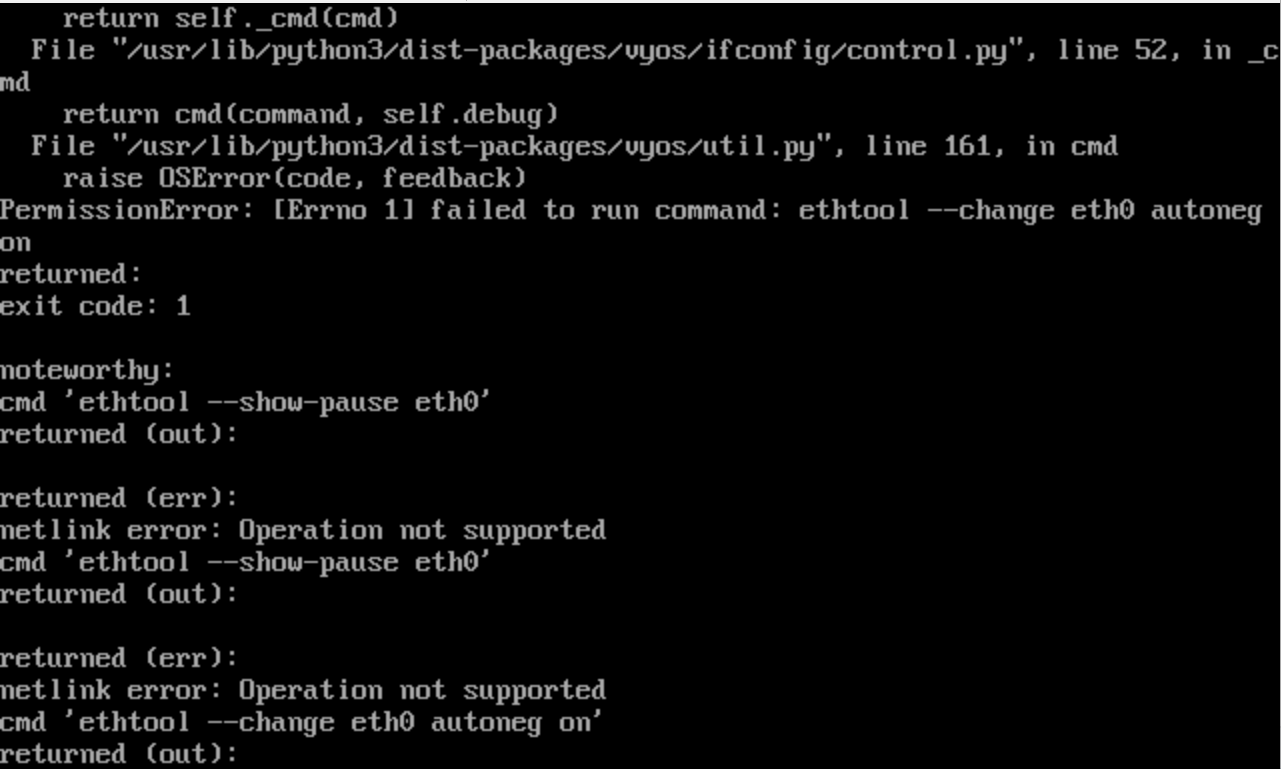
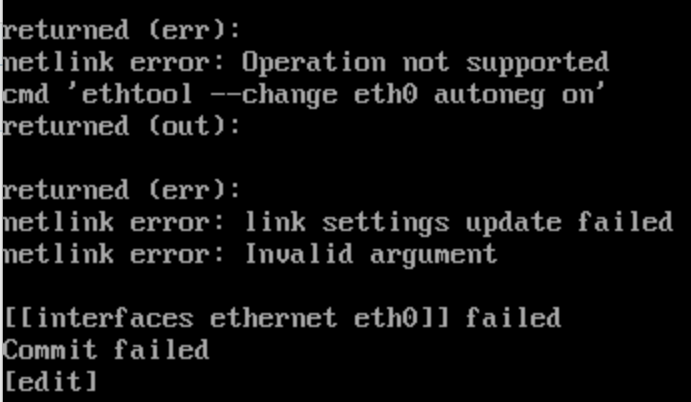
Version 1.3 works without errors. Version 1.4 gives an error:
(Sorry, only screenshots are available)

set interfaces ethernet eth0 description "TestME"
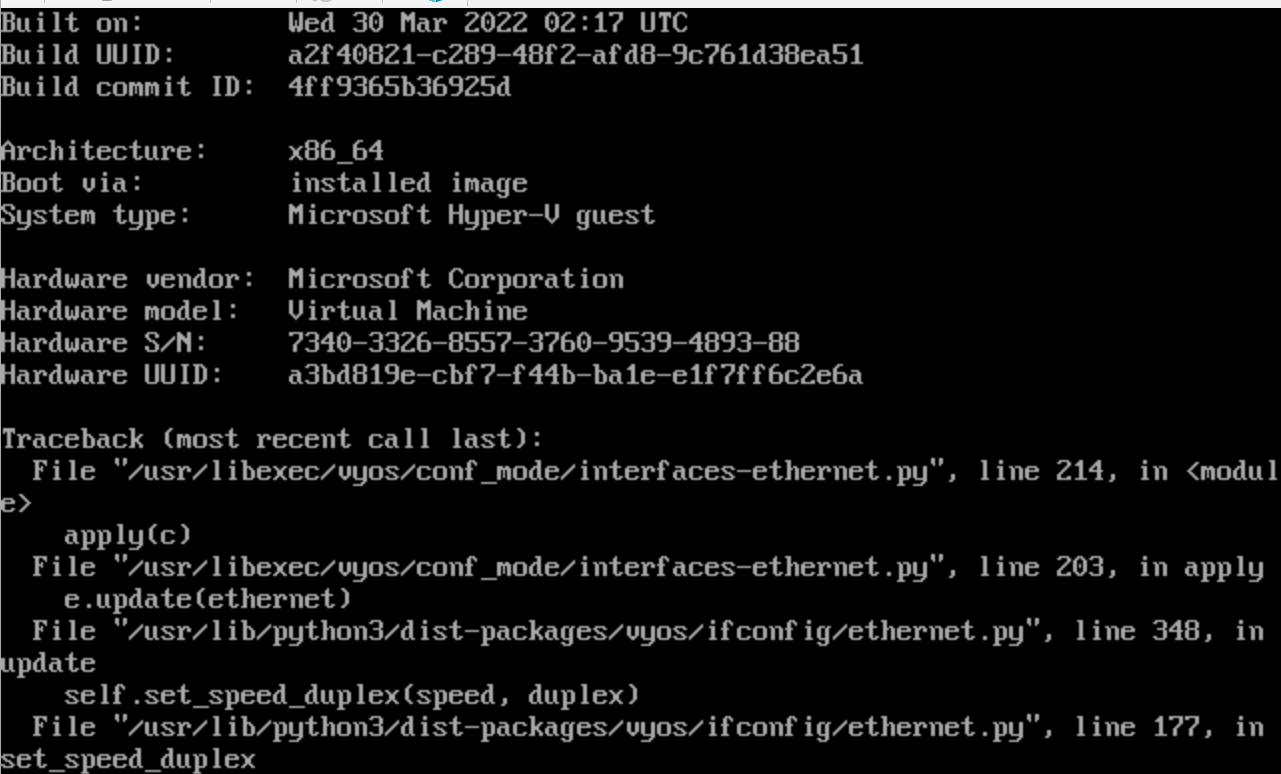
image.png (774×1 px, 66 KB)

image.png (769×1 px, 52 KB)

image.png (402×691 px, 21 KB)

It seems to be related to the interface type in Hyper-V
@e.khudiyev helped to form a screenshot of the interface type:
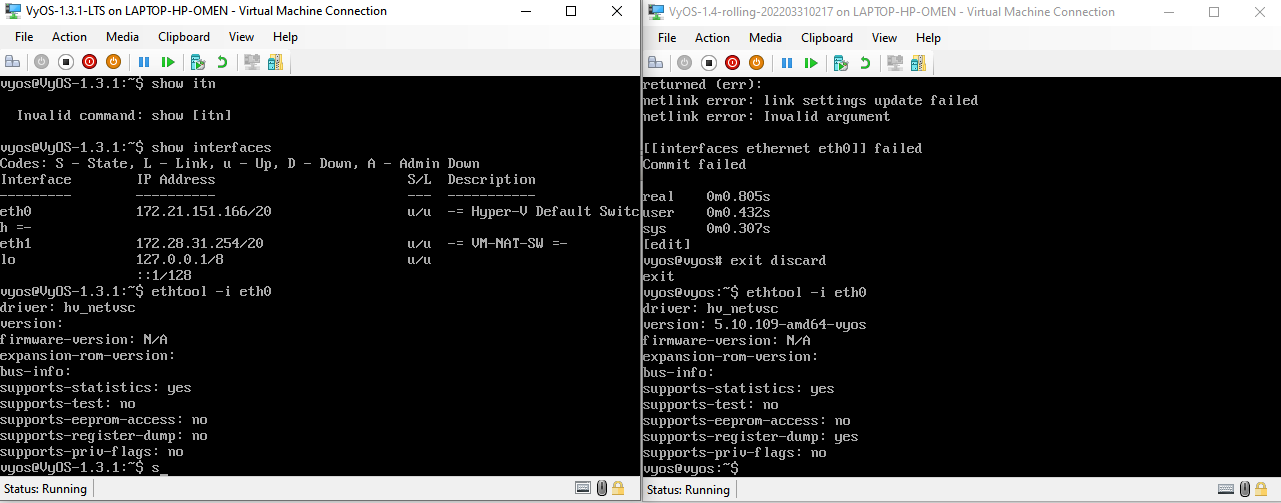
image.png (503×1 px, 36 KB)

Details

Version
vyos-1.4-rolling-202203300217
Is it a breaking change?
Perfectly compatible
Issue type
Bug (incorrect behavior)

Event Timeline

Unknown Object (User) created this task.Mar 31 2022, 8:12 AM
Unknown Object (User) changed the task status from Open to Confirmed.
Unknown Object (User) created this object in space S1 VyOS Public.
Unknown Object (User) updated the task description. (Show Details)Mar 31 2022, 8:59 AM
dmbaturin renamed this task from no ability to configure interfaces at all on Hyper-V to Ethernet interface configuration fails on Hyper-V due to speed/duplex/autoneg ethtool command error.Apr 11 2022, 8:46 AM
dmbaturin changed Is it a breaking change? from Unspecified (possibly destroys the router) to Perfectly compatible.
Unknown Object (User) closed this task as Resolved.Apr 15 2022, 3:56 AM
Unknown Object (User) claimed this task.

Tested in VyOS 1.4-rolling-202204130521
All works, thanks!

1.4-rolling-20220418
Issue is still not fixed

Unknown Object (User) added a comment.Jul 18 2022, 7:17 AM

It works fine with my environment. With the new image too:
VyOS 1.4-rolling-202207160217